Twine3D
"Twine3D is a third person view control path craft game."
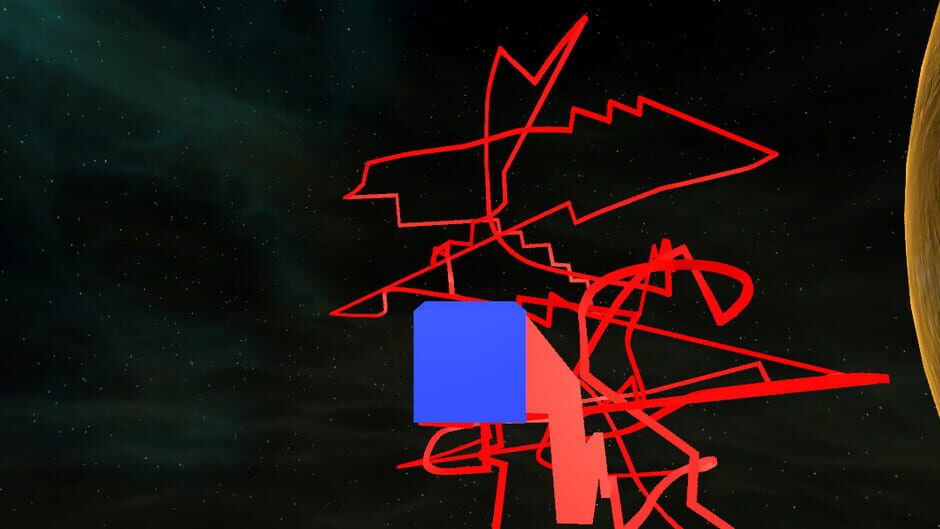
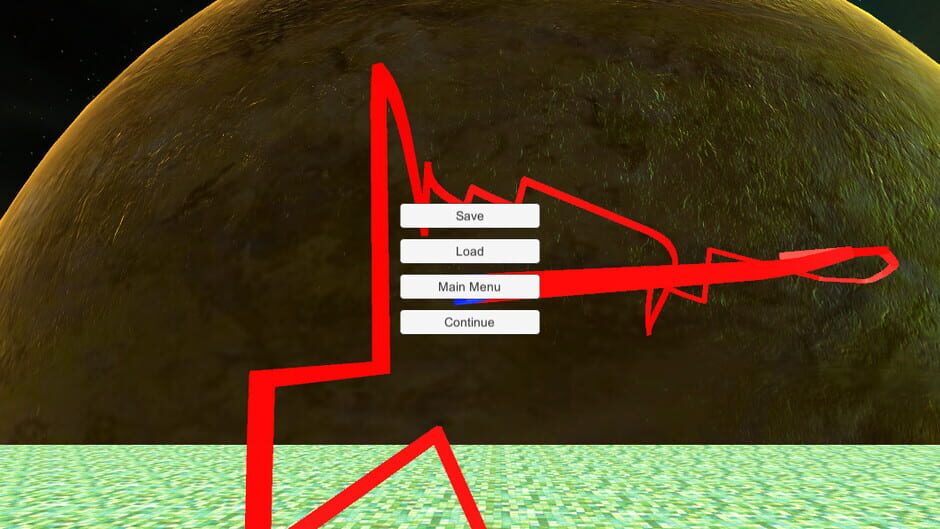
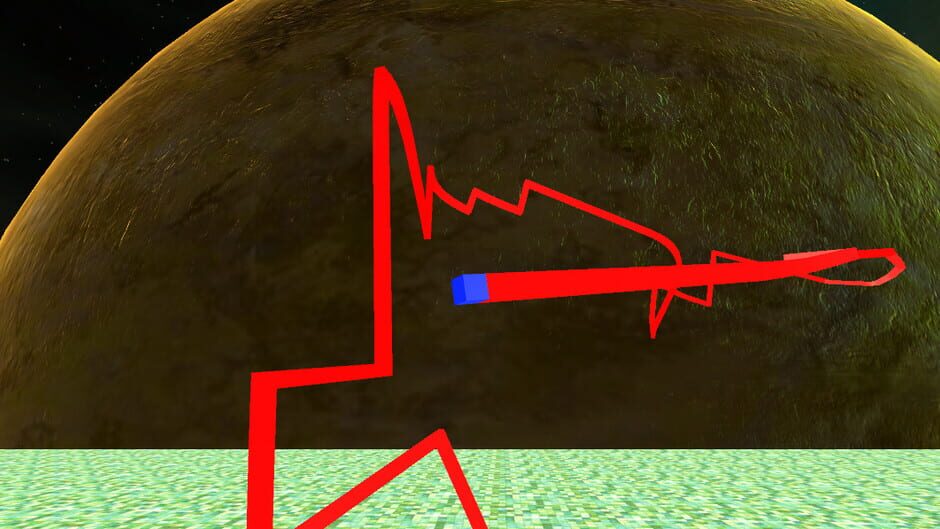
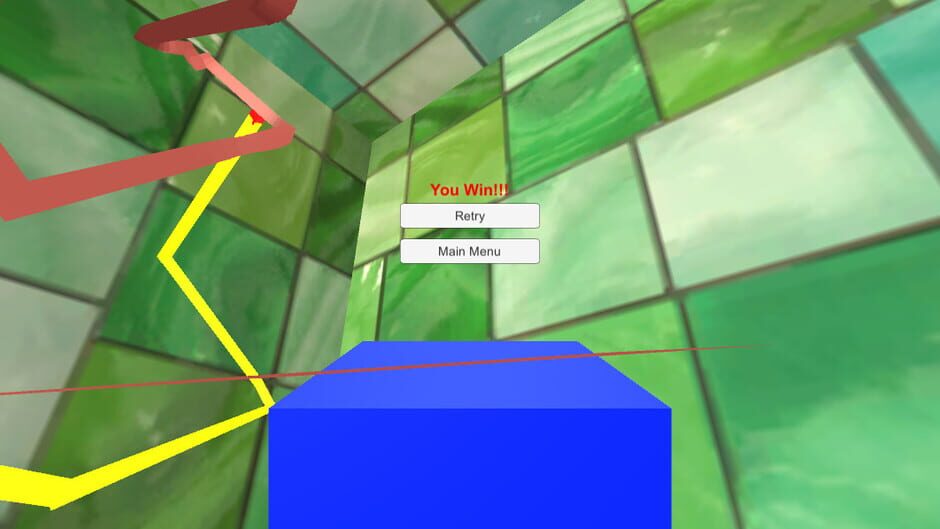
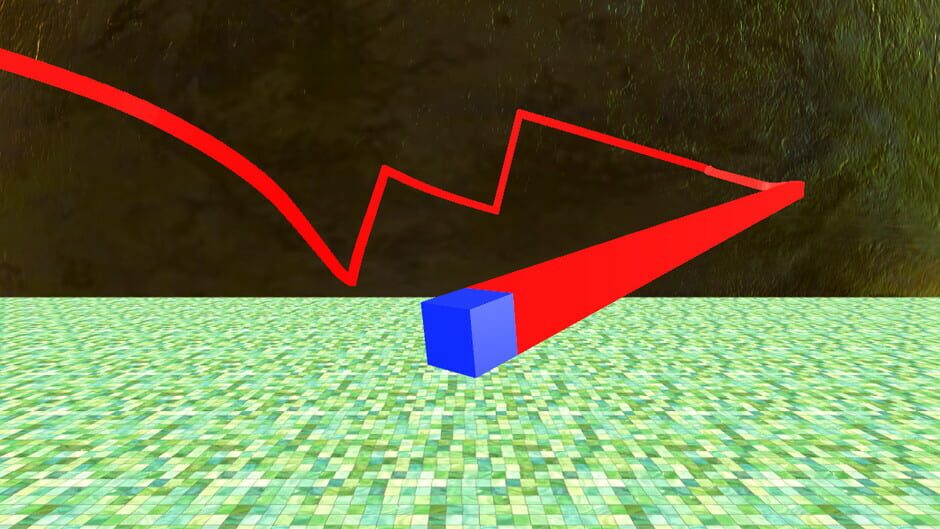
Twine3D is a third person view control path craft game. Control: Move forward:default keyboard button w; Move back:default keyboard button s; Move left:default keyboard button a; Move right:default keyboard button d; Move up:default keyboard button space; Move down:default keyboard button q; Long click mouse left button to rotate the camera; Long click mouse right button to rotate the player cube; Two Game Mode:Creative and Chase. Game Mode Creative:free to move.Player can save the scene as a Twine3D file, and load a Twine3D file to create the scene. Game Mode Chase:control the player cube to chase the AICube.Dodge the AICube path and walls,twine the AICube until win.
Twine3D screenshots
Games like Twine3D







Twine3D screenshots
Artwork & Box Art
PC (Microsoft Windows)
Standard
WW
Dec 15, 2017
No review data available for this title yet.